



Trade on Coinswitch
directly from TradingView
Trade Crypto Futures, US Stocks, and Commodities live on TradingView Charts!
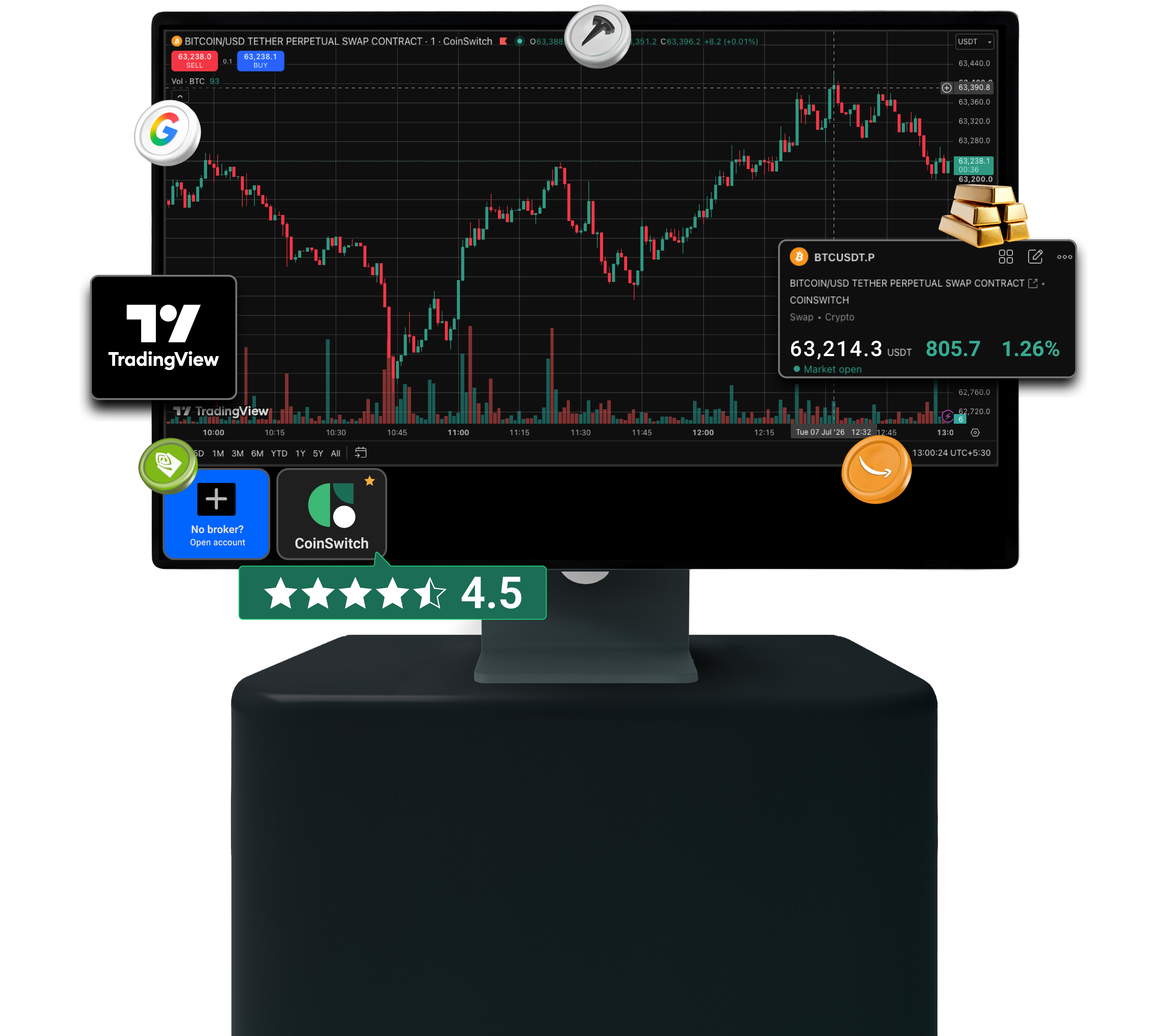
Trading View Features Integrated on CoinSwitch

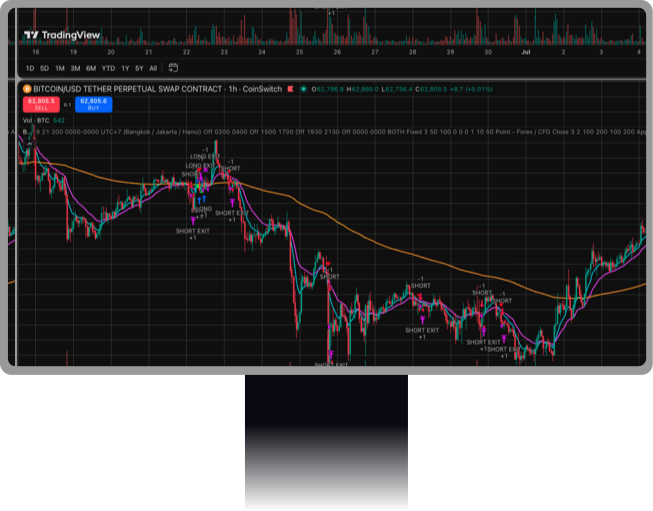
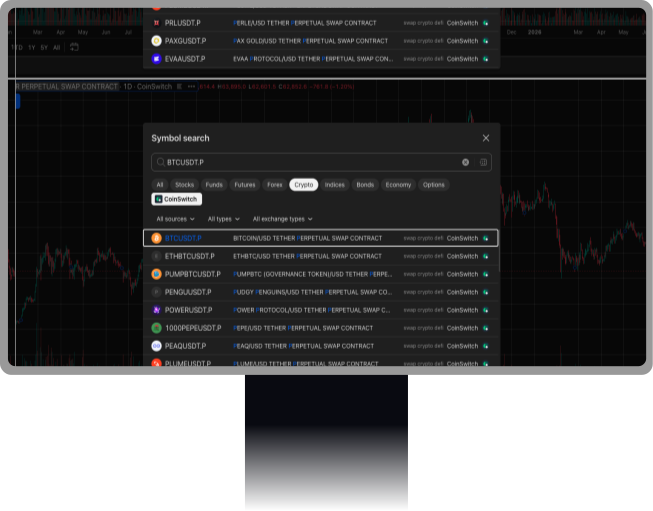
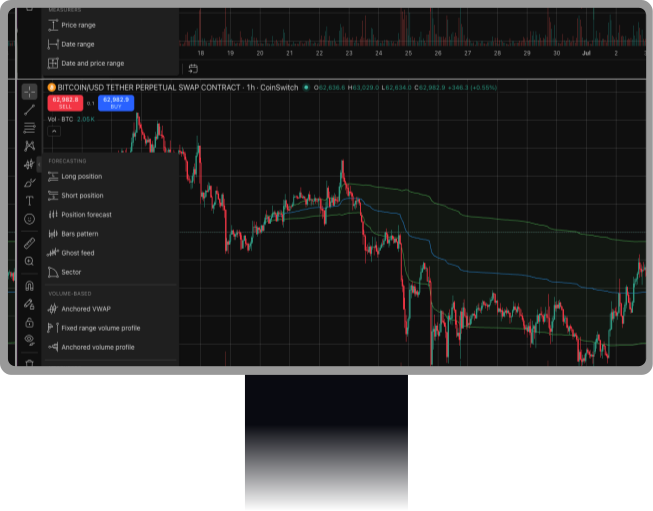
Powerful Indicators
Use 400+ built-in indicators and crypto community scripts to identify signals.
650+ Futures Contracts
Trade across a wide range of crypto futures, US stocks and commodities with ease
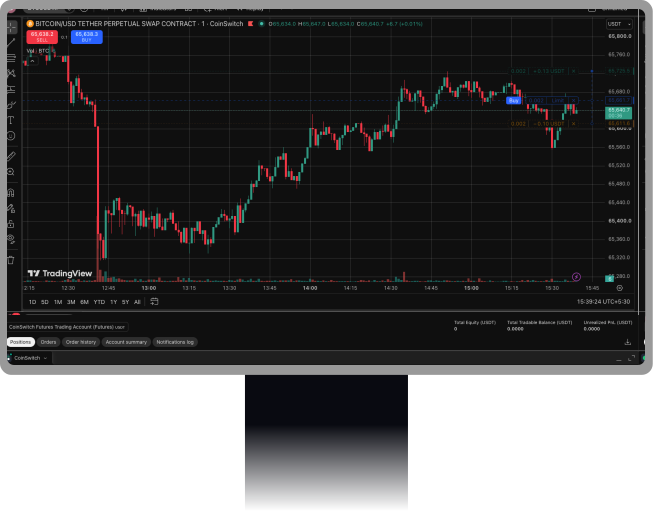
AVWAP & DVWAP as Drawing Tool
Customizable and easy to use, and marked for seamless analysis on charts.
Scalper Mode
Add an order, then drag & drop TP & SL to your desired levels with ease.
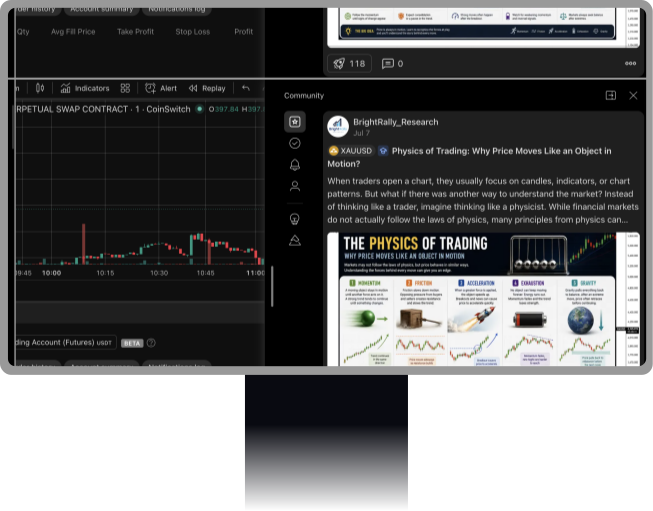
Community Ideas
Explore trading ideas and market insights shared by the TradingView community.
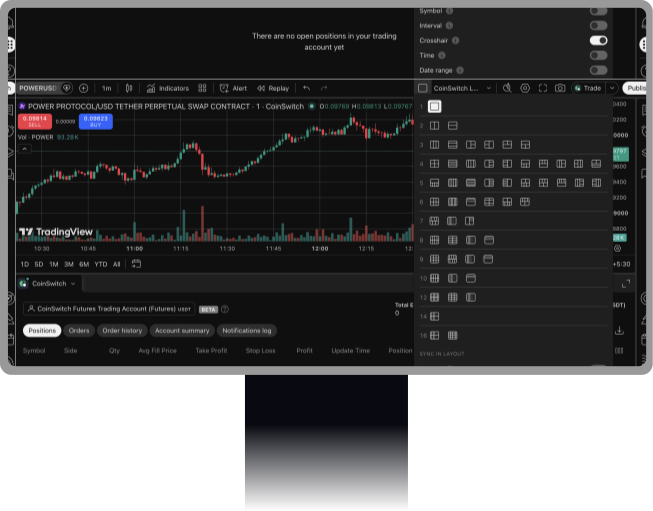
Explore 20+ Chart Layouts
Choose from various chart layouts to match your trading style.
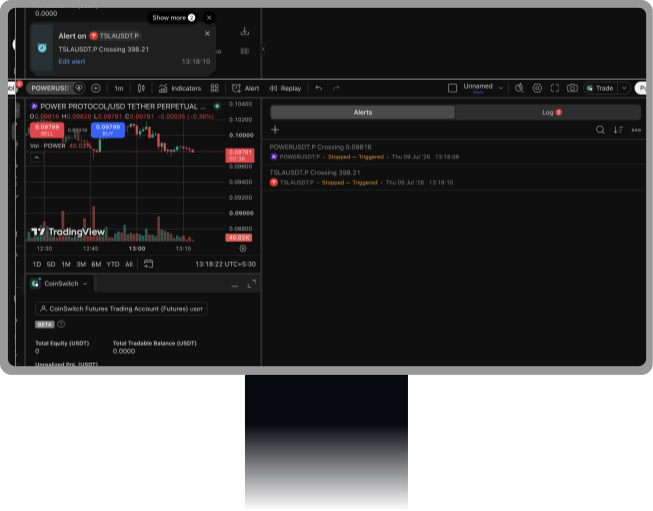
Set Price Alerts
Set custom price alerts and never miss important market moves.
Build and Test Trading Strategies
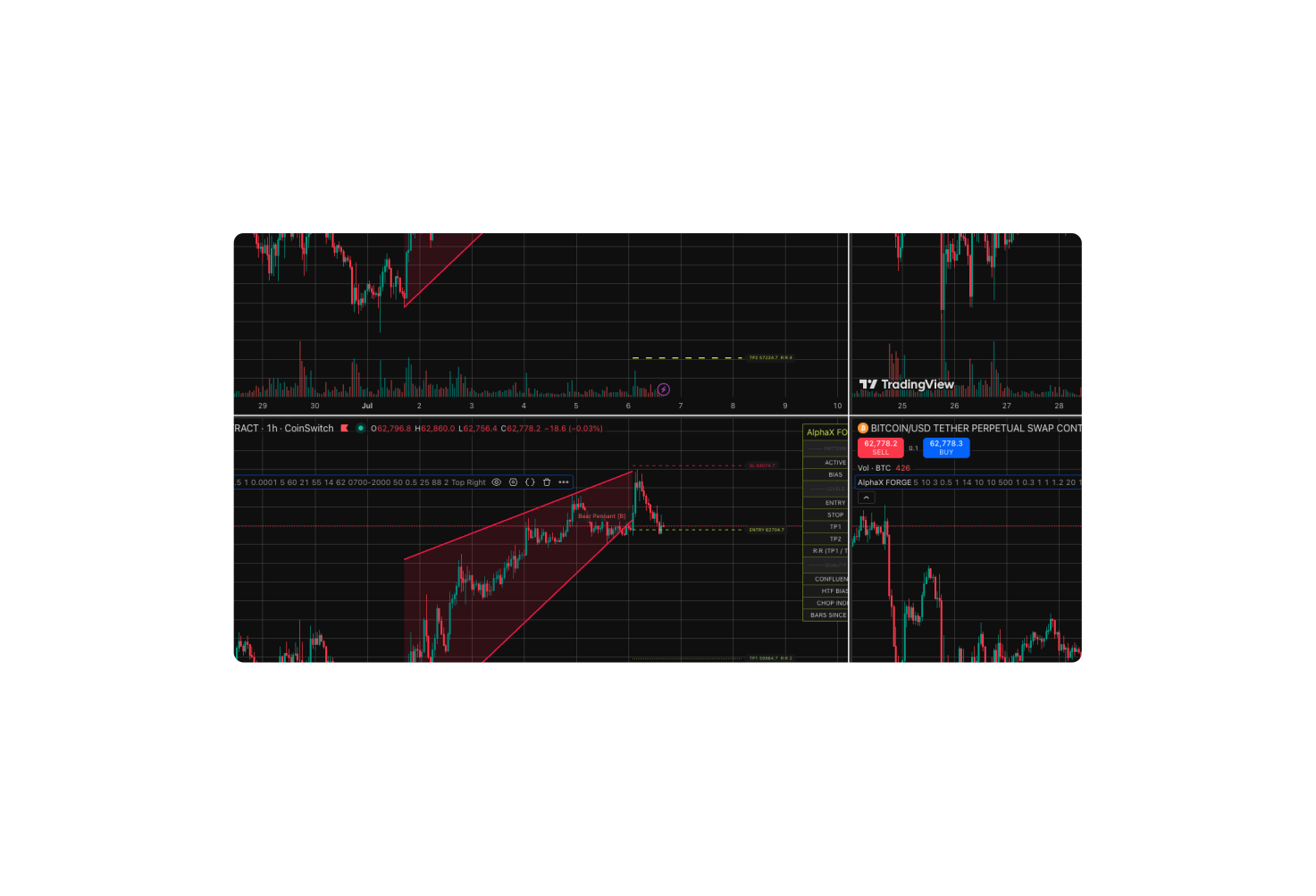

Strategy Testing
Backtest strategies on historical data.

Custom Pine Script®
Build custom indicators and strategies.

Portfolio Simulation
Analyze market data for chart patterns.
Connect CoinSwitch to TradingView


FAQs
Yes. CoinSwitch users can place and manage trades directly from TradingView charts without switching between multiple screens. This allows traders to analyze price movements, identify opportunities, and execute orders from a single interface.